An SEO audit on a Magento store rarely agrees with itself. You run a crawl, fix what it flagged, run it again a week later, and half the same issues are still there, sometimes with different numbers attached. The instinct is to blame the platform. Most of the time the platform isn't what's fighting you: the module stack sitting on top of it is.
Magento 2 gives you full control over canonical tags, meta data and structured data (the JSON-LD markup that tells Google what a page actually contains) natively. What makes Magento SEO feel harder than it should is almost never Magento itself, it's the stack of navigation, performance and checkout extensions most inherited stores have accumulated, each making its own decisions about URLs, caching and rendering without knowing what the others are doing. This article covers where the real friction sits: layered navigation and the URL explosion it causes, canonical configuration and category-path duplicates, pagination, why diagnosis has to come before any fix on Magento, Core Web Vitals on a heavy theme, structured data, multi-store and multi-language setup, and the one limit that's genuinely the platform's, not the module stack's.
If you've inherited a Magento 2 store, this piece is aimed at working out which of its SEO problems are the platform's fault and which are self-inflicted. It's a diagnosis guide, not a migration pitch: almost nothing here argues for leaving Magento, most of it is about finding what's actually broken before a developer touches any code.
Why it's usually the module stack, not the platform
Magento 2 on its own is a reasonably capable SEO platform. Canonical tags are configurable at the template level on every page type, meta title and description fields exist on every entity, and structured data can be written wherever you want it in the server-rendered HTML. None of that is missing.
What's usually missing, on any Magento store more than a couple of years old, is anyone's clear picture of what the accumulated extensions are doing to that HTML by the time it reaches a browser or a crawler. The navigation and filtering extension is quietly deciding how faceted URLs get built and canonicalised. Somewhere else, a caching or performance extension is deferring, caching or rewriting parts of the same page client-side, and the checkout extension has its own opinion about what fires and when. Each one was installed to solve a real problem, and none of them were told the others exist.
I run SEO, tracking and paid media on 18 Carati, a Magento 2.4 store, and the pattern above isn't abstract there, it's the actual stack I work on: a filtering extension deciding how faceted URLs get built, a caching layer tuned for a heavy catalogue, and a checkout extension with its own scripts, none of them aware the others exist. The caching layer is the one that's cost me the most time. On that account it can serve more than one HTML variant of the same URL depending on which cache slot a request lands in, so the same page reads cleanly on one fetch and shows different markup on the next, with no way to know which version a crawler actually saw without checking more than once. Nearly every SEO problem I've had to chase down on that account turned out to be a decision baked into one of those layers, not something core Magento does. The platform gets blamed because it's the one thing everyone in the business can name. The extension nobody remembers installing is usually the one actually doing the damage.
Layered navigation and the URL explosion
Layered navigation, the filter sidebar on a category page, is native Magento functionality, and most catalogues of any real size extend it with a third-party filtering module for extra attribute types. Once a category page has more than a handful of filterable attributes, the crawlable combination count runs into the thousands even on a modest catalogue. Nobody sets out to build that; it's what layered navigation does by default once filters exist.
The default behaviour on most filter and navigation setups is to canonicalise every filtered URL back to the plain category page. That default is usually correct. Where this actually breaks down, more often than not, is crawl access rather than the canonical itself. A correct canonical stops filtered pages from indexing, but it does nothing to stop Google from crawling them if robots.txt and internal linking still expose them freely. Google still has to fetch every one of those URLs before it can discard them, which is crawl budget spent on pages that were never going to rank, on a catalogue that may genuinely need that budget for pages that could.
Canonical configuration and category-path duplicates
Beyond filters, Magento can generate more than one URL for the same product depending on how many categories it's assigned to, and how the category-path URL setting is configured. A product filed under three categories can end up with three crawlable paths to the same page, and the canonical needs to point every one of them at a single chosen URL, not at whichever path Google happened to crawl first.
This is a configuration decision, made once and then largely forgotten, and it's worth checking directly rather than assuming it's right. The setting is "Use Categories Path for Product URLs" under Catalog > Search Engine Optimisation, and on more than one Magento audit I've run, nobody on the team could tell me whether it was switched on until we actually checked. A product with several live category-path URLs and no consistent canonical is quietly splitting whatever signal that product page earns across versions Google treats as different pages.
Pagination
Paginated category pages don't need canonicalising back to page one. Google's own pagination guidance is explicit on this: don't use page one as the canonical for the whole sequence, give each paginated page its own canonical URL, because page two is genuinely a different page of results, not a duplicate of page one. I still find this configured wrong on older Magento builds, usually left over from the rel=prev/next convention Magento's SEO extensions used to set up by default, a signal Google stopped using for indexing years ago. If a store's paginated URLs are all canonicalising back to page one, that's worth fixing on its own, and it's normally a one-line template check to confirm.
Diagnose before you change anything
This is the part that actually separates Magento from most other platforms: the diagnosis is the hard part, more than the fix. Caching and performance modules exist to make heavy Magento pages load faster, and they usually earn their keep. But some of them serve more than one version of the same URL, rotating between a raw and an optimised cached variant, and the optimised variant can defer or rewrite parts of the page client-side. If you fetch a page once to diagnose it, you might be looking at a different document from the one a real visitor gets, or from what Googlebot gets on a different cache hit.
I've lost real time to exactly this: an audit that looked clean on one fetch and broken on the next, because the two fetches hit different cached variants of the same URL. The fix isn't technical, it's procedural: fetch the same URL more than once, ideally minutes apart, before drawing a conclusion. A single crawl of a Magento store isn't evidence on its own the way it might be on a simpler platform, and treating it as evidence is how audits end up contradicting themselves a week later.
Core Web Vitals on a heavy theme
Magento themes tend to be heavy by default, and years of accumulated extensions rarely make that lighter. The layout-shift culprit I keep finding on Magento stores specifically is content injected after first paint without reserved space: a reviews widget that grows once it finishes loading, a payment-method banner injected below the fold, a shipping-estimate string that only appears once a script resolves. None of that is Magento's fault in particular, it's what happens when several extensions each inject their own markup without agreeing on layout in advance.
Core Web Vitals are a minor, tie-breaking ranking factor on their own. The more direct cost of a genuinely slow, shifting page is conversion, not ranking, which is usually the bigger number anyway.
Structured data: what's usually missing
Product and category schema on Magento is often reasonable once an extension or the theme has been asked to output it, so the gap is rarely "there's no structured data." What's more often missing is FAQ, breadcrumb or return-policy schema, and consistency between what the schema claims and what's actually visible on the page.
One habit worth keeping: on every Magento build I've worked on, structured data has needed to live server-side in the template, not injected through tag manager. Tag-manager-injected JSON-LD tends to load after the crawl-relevant first paint, and it's a quiet, common way structured data drifts out of sync with what a crawler actually sees on the first pass.
Multi-store and multi-language
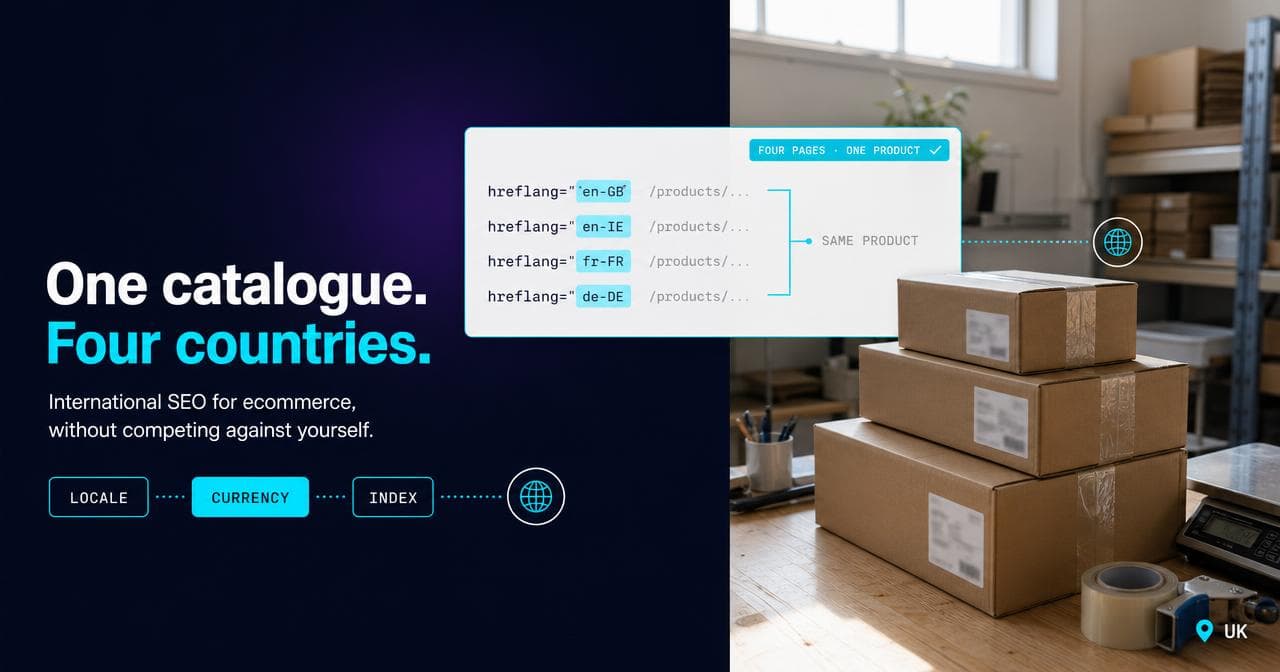
Magento's native multi-store and store-view structure is genuinely one of its stronger points. Separate languages, currencies and even entirely separate catalogues can sit properly configured under one install, which is a real advantage over platforms where multi-language is a bolted-on translation layer. The part that goes wrong isn't the structure, it's hreflang. On the multi-store setups I've audited, hreflang is the first thing I check, and it's usually missing entirely rather than misconfigured, because Magento doesn't generate it for you and nobody wired it up when the second store view went live. A secondary-language store view can exist, be fully crawlable, and have no hreflang connecting it back to the primary store, which leaves Google treating the two as unrelated content rather than as alternates of the same page, and can leave the secondary store competing with the primary instead of being served alongside it.
What's actually the platform's limit
Almost everything above is a module or a configuration decision, not something inherent to Magento. The genuine platform limit, once the module-stack noise is stripped out, is speed of iteration. Nothing on a Magento store gets fixed from a settings screen the way a meta description or a robots directive can be on some other platforms; canonical logic, schema output and crawl rules all live in code, and code needs a developer and a deploy. That's real, and it's the one thing replatforming would actually solve. It's also, on its own, a fairly weak reason to replatform: the module-stack problems this article covers travel with you if the same habits and the same category of extensions come along to whatever comes next. If a platform switch is genuinely on the table, how the major ecommerce platforms actually differ on SEO is a better place to start than a rumour about Magento being slow to change.
If you're trying to work out which of your own Magento SEO problems are extension-level and which are worth a developer's time, that's the diagnosis work covered by our SEO service.
Sources.
- Faceted navigation best (and 5 of the worst) practices — Google Search Central (accessed August 2026)
- Consolidate duplicate URLs — Google Search Central (accessed August 2026)
- Pagination best practices for Google — Google Search Central (accessed August 2026)