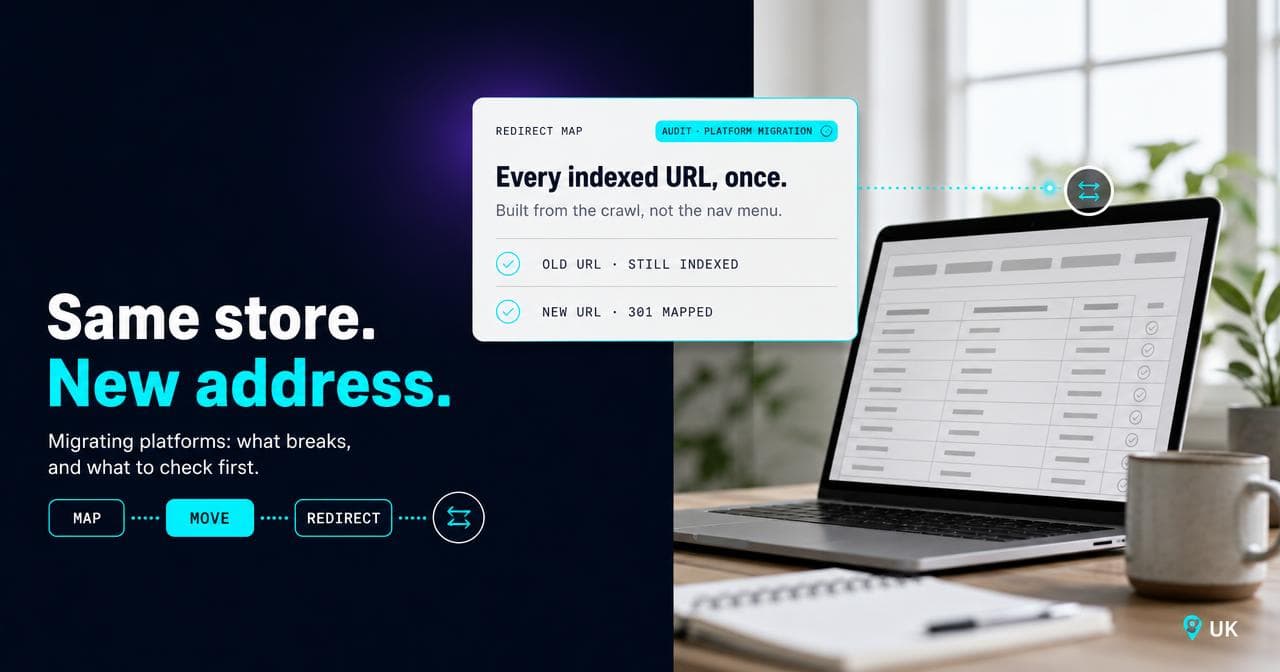
The redirect map is the item every Magento to Shopify quote underestimates: a line for data migration, a few weeks for the theme build, and nothing accounting for the URLs that are about to move. The data genuinely is the easy part, products and images move with a CSV or a migration app and nobody loses sleep over it. What breaks a replatform, and what nobody puts a line item against, is everything built around the data: the URLs a decade of SEO points at, the functionality Magento did without anyone noticing it was Magento doing it, and the workflows a developer wired into the old store's structure years ago.
the data (products, images, basic customer records) is the straightforward part of a Magento to Shopify migration. The problems come from URL structure (Magento's URLs and Shopify's fixed /products/ and /collections/ skeleton rarely match, so almost every URL changes and needs a 301 redirect, the permanent instruction telling Google and browsers a page has moved for good), native Magento functionality Shopify doesn't replicate out of the box, customer passwords and order history, and SEO signals while Google recrawls the new site. This article covers the redirect map as the highest-risk item, what Magento does natively that needs rebuilding, what carries over on accounts and orders, what to expect in Search Console, a realistic shape for the timeline, what to measure, and when replatforming isn't the right move.
If you're scoping a Magento to Shopify move and have been told, by an agency or your own team, that it's mostly a data transfer, this is a risk guide, not a migration tutorial.
What moves cleanly
A serious migration app or a CSV export and import pair maps Magento's attribute fields to Shopify's, runs, and gets spot-checked: products, variants, images and basic customer records move across with little drama. This is the part every quote gets right, and it's also what makes the rest of the project feel smaller than it is. The visible bulk clears in days, while the parts that decide whether the migration succeeds sit underneath, invisible until they break.
The URL structure change, and why it's the single highest-risk item
Magento gives near-total control over URL structure: category paths, product URLs with or without the category folded in, custom rewrites, whatever a store has accumulated over the years. Shopify doesn't. Every product lives at /products/{handle} and every collection at /collections/{handle}, fixed on every plan and theme (I've covered what Shopify does and doesn't let you touch in what Shopify locks and what you can change). Move platforms and, unless the Magento URLs already happened to follow that exact pattern, almost every indexed URL on the site changes at once.
That's what makes it the highest-risk item, and it's risky specifically because the damage isn't immediate. A missing redirect doesn't throw an error on launch day. It sits quietly as a 404, Google keeps the old URL indexed for a while out of habit, and the actual cost, a lost ranking, a dead backlink, a customer landing on a dead page from an old bookmark, shows up weeks later, by which point nobody remembers which URL was supposed to redirect where.
The redirect gap: why a migration can look complete and still lose rankings
Across the migrations I've reviewed, one root cause accounts for more lost rankings than anything else: an incomplete redirect map, built from the wrong source. The obvious way to build one is to walk the current site: every category, every product, every CMS page, mapped to its Shopify equivalent. That covers what's visible in the navigation today. It doesn't cover what Google has actually indexed, which on any Magento store of real age includes layered navigation URLs, discontinued products still linked from an old blog post or an external site, and category paths that changed once already and were never fully cleaned up.
Those are exactly the URLs carrying whatever ranking and backlink signal the store has built up, and a map built only from today's navigation misses them by construction. The gap doesn't show up in a pre-launch QA pass, because QA usually tests the URLs someone remembered to list. It shows up three or four weeks after launch, when a term that used to rank quietly stops, and someone finally pulls the old site's Search Console coverage report and finds a page still getting impressions that now 404s.
The fix is procedural: build the URL inventory from Search Console's indexed and not-indexed lists and a full crawl of the live site, not the navigation menu, and cross-check it against whichever pages are earning organic clicks before finalising the map. It's the same discipline that held together Periodico's own storefront rebuild, a roughly 1,400-URL move with no ranking loss, on a move that stayed on Shopify throughout. The redirect map doesn't get easier just because you aren't changing platforms.
What Magento does natively that Shopify won't do out of the box
Three areas come up on almost every Magento account I've looked at, and each needs a real decision rather than a data mapping.
Catalogue structure. Magento's configurable products, built on its EAV (entity-attribute-value) data model, let a single product carry effectively unlimited attribute combinations, every carat, colour and clarity variation on a diamond ring, as one product. Shopify's product model runs on up to three option types and a capped 2,048 variants per product, per its own documentation. Most catalogues never reach that, but one built around dozens of attribute combinations per product needs real restructuring work, more than a straightforward re-host.
B2B functionality. Company accounts, customer-specific pricing and negotiated terms used to be a hard line between the two platforms. Shopify's B2B features now sit on every paid plan rather than gated to the top tier, so this gap has narrowed faster than most people scoping a migration realise. What still needs checking case by case: a dedicated B2B storefront, deposit and partial-payment workflows, and custom checkout logic built with Shopify Functions, all of which still sit on the higher plan only.
Checkout customisation. Magento's checkout is code you own, which is why 18 Carati can run a fully custom checkout flow as a theme override with nobody outside the client's own developers involved. Shopify's checkout is a hosted, standardised flow by default, and deeper customisation still sits on the top plan only. If the old checkout was built around a specific business rule, that rule needs a Shopify-native answer, and sometimes there isn't a clean one.
Customer accounts and order history: what carries over
Customer records move as data: name, email, address, marketing consent. Passwords don't, on any platform, Shopify included. And the customer-account domain hides a subtler trap we hit on Periodico's own launch night: with classic Shopify accounts, login happens on the Shopify primary domain, which was still serving the old published theme, so logged-in customers could land on and browse the dead site. The fix was a guard in the old theme redirecting everything except account, cart and checkout to the new domain, and it is on no migration checklist I have ever been handed. Its own documentation is explicit that because passwords are encrypted outside Shopify, they can't be migrated via CSV import, so every migrated customer needs to reset their password or activate a new account on first login. That's expected, and worth planning into the launch communication as an activation email on day one, rather than discovering it from the first support ticket.
Order history is what I see most consistently underestimated. Shopify has no native, built-in way to bulk-import historical orders the way it does for products or customers: getting them in needs a migration app or a custom API pull, and even then they typically land as archived records rather than live, fulfillable ones, so a past purchase shows up as a reference but can't be refunded or edited the way a native order can. The real decision here is a business one: does anyone need years of order history live inside the new admin, or does an exported archive kept outside the new store do the same job for less. Most businesses ask this only after paying to migrate orders nobody ever looks up again.
SEO signals in transit, and what to expect
Google is explicit that ranking fluctuation during a site move is normal: its guidance on site moves with URL changes says to expect temporary fluctuation while it recrawls and reindexes, and that a medium-sized site can take a few weeks for most pages to move through its index, longer for a larger one. That's the diagnostic that matters most in the first month. A temporary dip that recovers over those weeks is the move working as expected; a drop that doesn't recover, or a term that used to rank simply going quiet, is the signal of a missing redirect worth checking straight away.
A few things change mechanically at the same time. Shopify auto-canonicalises product and collection pages by default, a genuine improvement over a lot of ageing Magento setups where canonical configuration has drifted, but any filtering app installed on top can override that and needs checking on day one. The sitemap becomes fully automatic, and any custom structured data the old site had, FAQ or breadcrumb schema, needs rebuilding in the new theme: Shopify's default themes ship solid baseline product schema, but nothing beyond it comes across automatically.
A realistic timeline, and where it actually goes long
There's no honest fixed number of weeks: it scales with catalogue size and how much of the above applies. What I will say from having scoped these: the phase that gets compressed under deadline pressure is always the same one, the URL audit and redirect map, because it sits next to a theme build that looks like the real project. Give it the same time allocation as the front-end build instead of squeezing it into the final week, and have QA check a sample of redirects against the actual URL inventory, never just the sitemap. The other place timelines slip is data migration outside the core catalogue: order history, if it's going in at all, and any subscription or loyalty mechanic, both effectively separate projects layered on top rather than a line item inside it.
What to measure before you migrate, so you can tell what happened
Take a baseline before anything moves, or the first month after launch is just noise. Before: the full URL inventory from Search Console rather than just the current sitemap, current rankings and organic traffic by landing page, the current indexed page count, and which URLs are earning backlinks, since those are the ones a missed redirect costs the most.
After: the 404 report, Shopify's own and Search Console's, watched daily for the first two weeks and weekly after; the crawl stats report, which typically spikes right after cutover as Google re-fetches everything and should settle rather than stay elevated; the indexed page count checked against the pre-migration number; and rankings for the same keyword set tracked before, not a new one chosen after the fact. The comparison only means something if both sides were measured the same way, on the same URLs and terms, which is the part a rushed migration usually skips.
When Magento to Shopify is not the right move
Four situations, in my experience, are worth stopping on before signing off a migration.
If the real problem is SEO performance on the current build, migrating is rarely the fix: most Magento SEO problems trace back to the module stack, not the platform, and that travels with you if the same habits and extensions come along. We ran exactly this decision on 18 Carati, a Magento store trading since 1999 with years of accumulated modules: we priced up a platform move, the cost and time did not survive contact with the numbers, and modernising the Magento in place won. Sometimes the honest output of scoping a migration is not doing one.
Deep, custom-built functionality wired into Magento specifically is a second case worth pausing on (negotiated B2B pricing beyond what Shopify's company accounts now cover, multi-warehouse routing, an ERP integration built against the Magento API): that capability needs rebuilding from scratch, at real cost, to fix a gap the migration created rather than one that existed before it.
The catalogue itself can also be the ceiling: if it genuinely depends on Magento's attribute flexibility in a way Shopify's option-and-variant model can't express cleanly, and there's no appetite for a headless rebuild to work around it, the migration will not lift that limit.
And if the timeline or budget can't stretch to a proper redirect map and QA pass, that's a reason to slow the project down, rather than skip the two things that matter most and hope the rankings hold anyway.
We run SEO, tracking and paid media on a Magento account and built a bespoke storefront on Shopify, so none of this is theoretical for us on either side. If you're scoping a move and want the redirect map and functionality gaps looked at before anyone touches a theme, that's exactly what our websites team and SEO team do before recommending anything.
Sources.
- Site moves with URL changes — Google Search Central (accessed August 2026)
- Importing and exporting customers — Shopify (accessed August 2026)
- Requirements and considerations for using B2B on Shopify — Shopify (accessed August 2026)
- Add variants to a product — Shopify (accessed August 2026)
- Customizing payment methods and delivery options at checkout — Shopify (accessed August 2026)
- Migrate to Shopify — Shopify (accessed August 2026)