You followed the WordPress SEO checklist properly. Permalinks are clean, the category archives aren't thin, Core Web Vitals are green, and the guide you used to get there was accurate the whole way through. Then Search Console starts filling up with a shape of URL you have never seen on a blog: a query string built from a size and a colour, a product page that reads almost word for word like three others in the same range, a shop archive that keeps paginating long after page two stopped mattering to anyone. None of that is in the WordPress guide, because none of it happens on a WordPress site that isn't also a store.
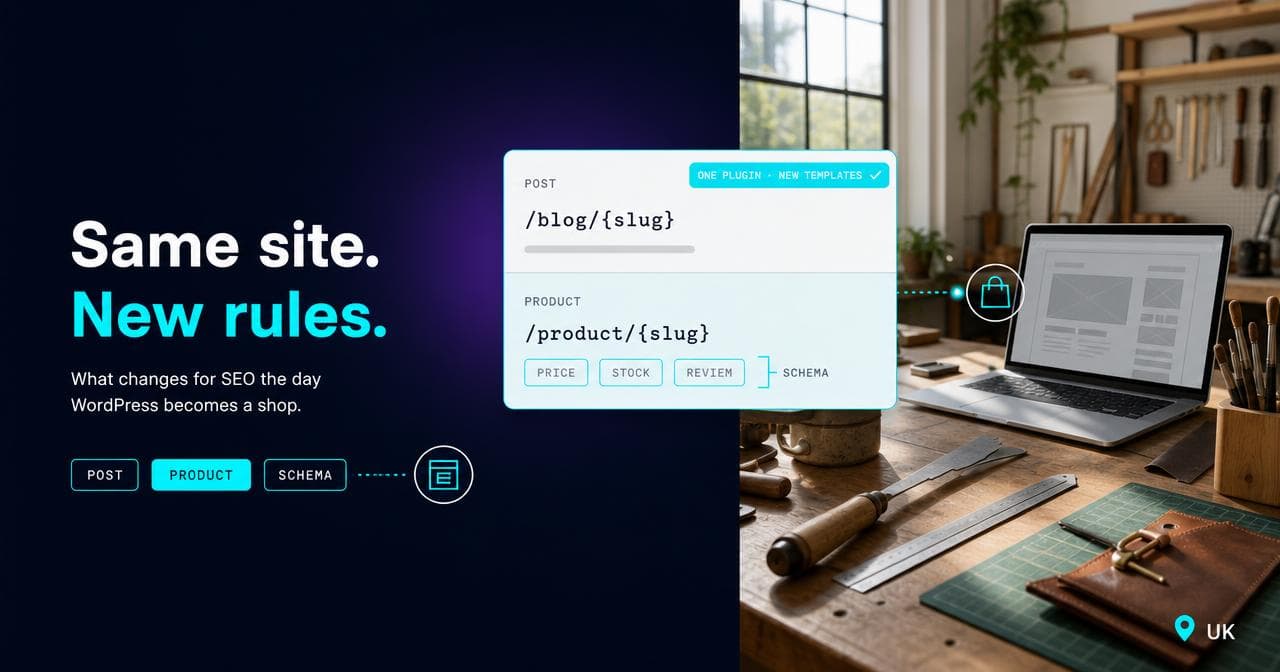
WooCommerce, the free plugin that turns a WordPress install into a store, inherits everything WordPress already does: permalink fundamentals, category thinness, staging-to-live accidents, Core Web Vitals basics. That half of what you've already read is correct and doesn't need repeating here. What's genuinely different sits entirely in the ecommerce layer bolted on top. That covers product URLs and what happens when one product sits in two categories, the filter URLs that faceted navigation generates as the catalogue grows, near-duplicate variant pages, stock status and discontinued listings, the product schema WooCommerce gives you free, a catalogue-specific speed cost, and pagination at scale. This article works through each one: what's different, why, and where it stops mattering on a small catalogue.
If you've done the WordPress SEO work properly and are still hitting problems the WordPress guide never mentioned, this is the article for that gap: what changes because there's a store underneath the CMS, and what doesn't. It assumes the WordPress groundwork is already done.
Why most of the WordPress advice still holds
WooCommerce isn't a separate platform. It's a plugin that adds a store layer to an otherwise ordinary WordPress install, which means anything that isn't a product, a product category, or a shop archive behaves exactly like WordPress always has. Permalink structure decisions and their consequences, blog category and tag archive thinness, staging sites getting indexed by accident, hosting and caching fundamentals, XML sitemap generation, robots.txt: all of it unchanged.
The test I actually run, going through a WooCommerce site for the first time, is simpler than the checklist makes it sound: does this URL represent a product, a category, or a shop archive? If it doesn't, the WordPress work already covers it and I move on to the pages that need attention.
Product URLs and the setting WordPress doesn't force you to make
WordPress fixes a site's URL structure once, sitewide, under Settings > Permalinks, and mostly leaves it there. WooCommerce adds a second, more consequential decision on top: how product URLs specifically are built, chosen from four options ranging from a flat shop base to a full shop-base-plus-category path.
That decision gets harder the moment a product sits in more than one category, because something has to pick a single canonical URL. WooCommerce 10.5 changed how it resolves that: instead of sorting by which category was created first, it now picks the deepest, most specific category in the hierarchy, and its canonical redirect carries old URLs across automatically (WooCommerce Developer Blog, accessed August 2026). If your store uses "Shop base with category" or a custom base built around the category taxonomy, it's worth checking that setting after any recent update rather than assuming nothing moved.
The general risk is the same one that applies to changing a WordPress permalink structure: it's disruptive and best decided once, deliberately, early. On a store it's worse, because the URLs affected are the ones actually carrying revenue. On Periodico, which runs on Shopify rather than WooCommerce, part of the reason we went headless was to get direct control over exactly this, how collection and product URLs get canonicalised, rather than leaving it to a theme layer. WooCommerce hands you that same control by default, in a settings screen. The advantage is easy to waste: you don't need to change platform to get it, you need to go and set it properly once, then stop touching it.
Attribute filters: the failure mode a WordPress archive never has
WooCommerce attributes (colour, size, material) do two jobs: they define product variations, and they power the filter widgets shoppers use on category pages. That second job is where the real difference from WordPress sits. A blog's category and tag archives are a bounded set, decided by whoever publishes content. A filter set is combinatorial: colour times size times price band, and every combination a shopper can select is a URL the filter mechanism is capable of generating.
I've seen a catalogue of a couple of hundred products spin off several thousand of these filter combinations once colour, size and price band start compounding, most worth nothing on their own and duplicating most of the category page sitting above them in the crawl path. Left to default behaviour, Google spends crawl budget working through that set instead of the pages actually meant to rank.
Google's own ecommerce guidance points the fix in the right direction: use structured key=value parameters rather than bare values (Google Search Central, accessed August 2026). The same canonicalisation principle Google documents for product variant URLs, pointing back to the version with the parameter stripped, carries over cleanly to filter parameters generally. Beyond the mechanics, the judgement call is which filter combinations deserve to be indexable in their own right, the ones people genuinely search for, against the ones that only exist because the filter interface allows them to be built.
Variable products and the near-duplicate problem
A WooCommerce "variable product" is one parent listing with several variations, colour or size, sharing a single URL by default. WordPress has no equivalent lifecycle because a blog post doesn't come in six colours.
The near-duplicate risk in practice rarely comes from the variation mechanism itself. It comes from stores that skip it on purpose and model each colour as its own separate product, usually so it shows individually in a category grid rather than buried inside one listing. That recreates the classic problem: several pages with the same description, the same specification, and only a swatch or a price differing between them, competing with each other for the same query.
The rule I'd apply is the same one that governs canonical decisions on variant URLs generally: keep a genuine option as a variation under one product where nobody searches by that specific variant, and only give it a separate page where the variant carries real, distinct search demand of its own.
Out-of-stock and discontinued products: a lifecycle WordPress content doesn't have
Once a WordPress post is published, it mostly just sits there. There's no default state that says a post has run out. A product does have that state, and stock status changes constantly, which means every change is a small SEO decision whether anyone treats it as one or not.
WooCommerce's inventory setting can hide out-of-stock items from shop and category listings, but the product page itself typically stays live and indexable unless you handle it separately. On the stores I've reviewed, two mistakes turn up again and again: a temporarily out-of-stock page left ranking and converting nobody for months, or a genuinely discontinued product deleted outright with no redirect, throwing away whatever ranking history and links the URL had built.
The fix is a policy, decided in advance rather than defaulted into: keep temporarily out-of-stock pages live and indexable, so the ranking survives until it restocks, and redirect genuinely discontinued products to the closest live equivalent or the category page, rather than leaving either outcome to whatever the platform does by default.
Product schema: the one thing WooCommerce gives you that WordPress never did
WooCommerce outputs basic Product structured data automatically, name, image, SKU, an offer with price, currency and availability, in JSON-LD on every product page, with no extra configuration (WooCommerce, accessed August 2026). Plain WordPress has no equivalent unless you build one yourself, because a blog post was never a thing with a price or a stock status.
The gap worth checking for isn't absence, it's staleness. What trips stores up more often than missing schema is a price that updated on the page but not in the JSON-LD block underneath it, or a stock status that still says "in stock" after the product has sold out. Ratings drift the same way: reviews update on the page while the aggregate rating in the markup doesn't get recalculated alongside them. I check for that mismatch after every price change or sale, not only at launch, because Google reads a gap between the page and the JSON-LD as a trust signal rather than a formatting slip.
Site speed as the catalogue grows
Generic WordPress speed advice, hosting, caching, image compression, is necessary and still correct, but it isn't sufficient once WooCommerce is running. The plugin has its own performance mechanics that a theme-level audit won't surface.
The one worth knowing about specifically: WooCommerce keeps the mini-cart in sync with a background request that can fire on page loads that have nothing to do with the cart, which sits awkwardly against full-page caching (WooCommerce Developer Blog, accessed August 2026). Add to that the image weight a catalogue accumulates as variations multiply, each colour often carrying its own gallery, and the script weight from payment, shipping and tax extensions loading on pages that never touch checkout. None of that is really a hosting problem. It's a WooCommerce configuration problem that shows up looking like one.
Pagination on shop archives
Shop and category archive pagination grows with catalogue size in a way a blog's rarely does. I've seen it treated as an afterthought until page three or four of a filtered category turns up in Search Console with real impressions, by which point page one was the only page anyone had bothered to optimise. The fix is a self-referencing canonical on every paginated page rather than pointing them all back to page one: collapsing them onto page one tells Google the products further down the list don't exist.
The products-per-page setting is worth a deliberate decision rather than a default. Too few and pagination depth multiplies for no reason; too many and each page gets heavy fast, once galleries stack up across dozens of variations on a single page.
Where the difference stops mattering
None of this is urgent on a small catalogue. If you're running a few dozen products with no attribute filtering switched on and no variations, most of what's above hasn't started biting yet, and the plain WordPress advice really is close to sufficient on its own. I'd rather a client spent that time getting the WordPress fundamentals genuinely right than pre-solving filter and schema problems they don't have yet. The filter explosion only shows up once there's a filter interface generating URLs; the near-duplicate problem only shows up once there are variants to duplicate. Schema accuracy and page speed are different: both apply from day one, and both get harder to keep on top of as traffic and catalogue size grow.
The point to revisit this properly is when the catalogue crosses from a few dozen SKUs into the hundreds, or around a platform migration, rather than treating every item on this list as urgent from day one.
Most of what's above is a configuration decision: a permalink structure chosen once, a canonical rule on filter URLs, a stock-status policy, a schema check after price changes. None of it requires moving off WooCommerce or WordPress. If you want a second pair of eyes on which of these is actually costing crawl budget or rankings on your catalogue specifically, that's the kind of audit we run as part of ecommerce SEO work across WooCommerce, Shopify and Magento stores, through the ecommerce marketing side of BYLT.
Sources.
- Product Permalink Changes Coming in WooCommerce 10.5 — WooCommerce Developer Blog (accessed August 2026)
- Permalinks — WooCommerce Documentation (accessed August 2026)
- Designing a URL structure for ecommerce sites — Google Search Central (accessed August 2026)
- Best practices for the use of the cart fragments API — WooCommerce Developer Blog (accessed August 2026)
- Structured data for products — WooCommerce (GitHub Wiki) (accessed August 2026)